Odoo 19: Complete Guide for Businesses
Every Odoo 19 app a growing business uses, in the order we would roll them out: setup, sales, operations, finance, HR, and the new AI features.

What Odoo 19 is, the changes from Odoo 18 a business actually notices, which apps to roll out first, and who should move to 19 now.

Installing Odoo 19 from source, the official Docker image or Debian/Ubuntu packages, plus production settings: workers, proxy mode, websocket, dbfilter.
Choosing where Odoo 19 runs: Odoo Online, Odoo.sh or your own servers. Custom modules, upgrades, control, and which kind of business each suits.

Odoo 19 company setup, branches and multi-company, users and roles, per-app access rights, and the difference between internal and portal users.

What each Odoo 19 AI module actually does: agents, AI fields, AI server actions, Documents, CRM, Live Chat, Knowledge and Website. Limits included.

Configuring Odoo 19 CRM: leads vs opportunities, pipeline stages, predictive lead scoring, lead assignment, activities, lost reasons and reports.

Configuring Odoo 19 Sales: quotation templates, optional sections, online signature and payment, ordered vs delivered invoicing, and down payments.

The Odoo 19 product catalogue: Goods, Service and Combo types, Track Inventory, variants and attributes, the new units of measure, and pricelist rules.

Odoo 19 Point of Sale setup: sessions, payment methods and terminals, restaurant floors and kitchen printing, offline mode, and GST on Indian receipts.

Odoo 19 eCommerce setup: publishing the catalogue, checkout steps, payment providers such as Razorpay, delivery methods, and B2B vs B2C tax display.

How Odoo 19 Subscriptions works: recurring plans, automatic invoicing and payment, renewals and upsells, close reasons, and MRR and churn reporting.
Warehouses, locations, 1/2/3-step receipts and deliveries, routes, reordering rules, lots and serials, and how Odoo 19 values stock.

RFQs, vendor pricelists, blanket orders and purchase templates, approvals, bill control policy and 3-way matching in Odoo 19 Purchase.

Bills of materials, work centres, operations, manufacturing orders, subcontracting, by-products and MRP scheduling in Odoo 19, plus where PLM fits.

Quality control points, checks and alerts, plus preventive and corrective maintenance on equipment and work centres in Odoo 19.

How Odoo 19 Field Service handles on-site tasks, scheduling, worksheets, products used on site, timesheets and invoicing, and what to set up first.

Helpdesk teams, channels, SLA policies, automatic assignment, the customer portal, timesheets and billing, and ratings in Odoo 19.

How to set up Odoo 19 accounting in the right order: fiscal localisation, chart of accounts, journals, fiscal years, lock dates and opening balances.

Invoices, payment terms, online payment links, follow-ups, credit notes and Indian e-invoicing (IRN) in Odoo 19, and what is Community or Enterprise.

Capturing, checking and paying vendor bills in Odoo 19: digitisation, purchase bill control, 3-way matching, payment controls and Indian TDS.

How bank reconciliation works in Odoo 19: statement import and bank sync, automatic matching, reconciliation models and the rules Odoo learns.
What Odoo 19 does for Indian GST: taxes, place of supply, HSN/SAC, e-invoice, e-way bill, TDS/TCS and GSTR filing, and which parts need Enterprise.

Odoo 19's P&L, balance sheet, aged and tax reports, fixed asset depreciation, deferred revenue and expenses, and a month-end closing sequence that works.

How Odoo 19 Employees stores people, departments and dated contract versions, who can see private data, and what to set up before payroll.

Setting up Odoo 19 Recruitment: job positions, the applicant pipeline, interview forms, offers and handing a hire over to onboarding.

How to set up Odoo 19 Time Off and Attendances: leave types, accrual plans, approvals, holidays, kiosk check-in and the new overtime rulesets.
What Odoo 19's Indian Payroll localisation covers: salary structures, PF, ESI, PT, LWF and TDS rules, pay runs, statutory reports and accounting.

How Odoo 19 Expenses works without expense reports: categories, receipts, approvals, employee-paid versus company-paid, and re-invoicing customers.

Setting up Odoo 19 Appraisals and Skills: review cycles, goals, 360 feedback, ratings, skill levels, certifications and employee resumes.

How to set up Odoo 19 Project: task stages, dependencies, milestones, the customer portal, profitability from sales and timesheets, and Enterprise planning.
How Odoo 19 timesheets feed invoices: billing on timesheets vs fixed price vs milestones, employee rates, validation, and the Enterprise grid and timer.
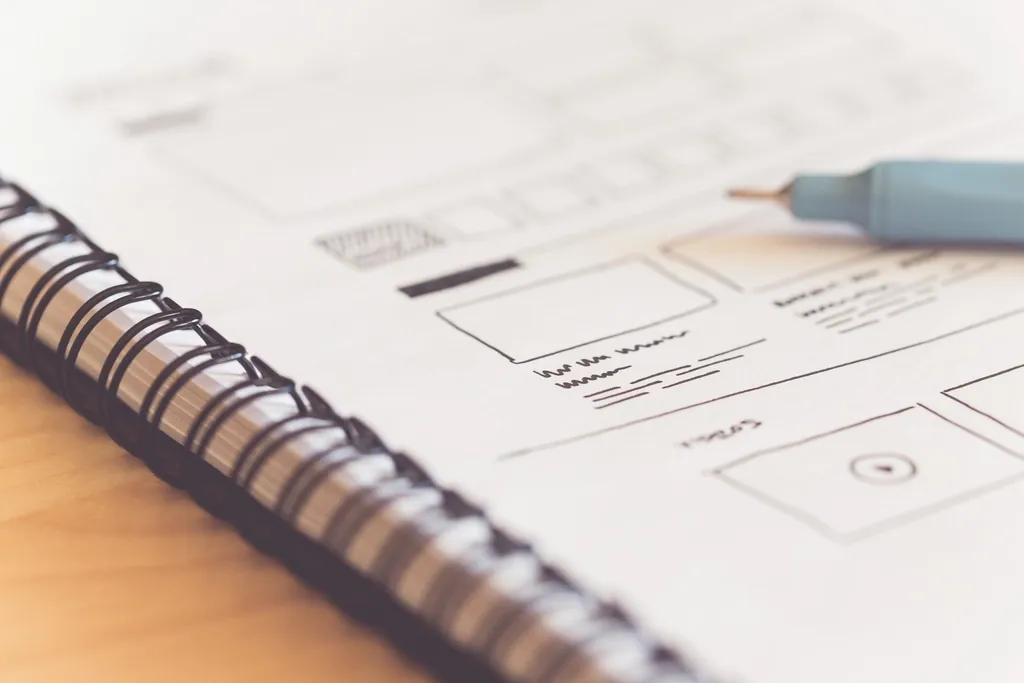
Setting up an Odoo 19 website: pages and blocks, SEO settings, redirects, forms that create CRM leads, multi-language, the blog, and what to configure first.

How to run Odoo 19 Email Marketing, Marketing Automation and Events: mailing lists, campaigns, A/B tests, automated workflows, registrations and tickets.
How to set up Odoo 19 Documents, Sign and Knowledge: folders and access, document requests, OCR routing to accounting, e-signature templates and articles.

What Odoo 19 Studio does with fields, views, automations and reports, where it stops, when a custom module is the right call, and what that means for upgrades.

How an upgrade to Odoo 19 works: what Odoo's upgrade service converts, what your custom modules need, how to test an upgraded copy and which data to check.

How Odoo 19 apps connect in one database, from quote to payment, timesheet to invoice and payroll to ledger, and a phased rollout order that works.